


- ―
- FAQ ―
- FAQ answer
FAQ
How can I post a TRAVELER REVIEW for a tour guide?
admin
09:55 11 FEB 2026
Any tourist registered on www.pg.world can write a TRAVELER REVIEW for a tour guide. Follow these simple instructions:
On a computer:
- Log in to your tourist profile on the website www.pg.world.
- Find the tour guide you want to review. You can do it quickly in two ways:
- Enter the city or country name in the search field and find the guide's name in the list of local tour guides in that city or country.
- Open your chat section if you chatted with this tour guide before. In your chat, click the tour guide's avatar (round photo); it will open their profile in a new window.
- Scroll down the page to locate the REVIEW section at the bottom of the tour guide's profile. Alternatively, click the TRAVELER REVIEWS button below the tour guide's avatar photo and next to the SEND A MESSAGE button.
- Write your review, ensuring it contains at least 200 characters, then click the PUBLISH YOUR TRAVELER REVIEW button.
- After moderation, your review will be published and visible on the tour guide's profile for all website visitors.
- You and the tour guide will receive notifications at your registered email addresses whenever a new review is published.
For a faster, easier way to leave a review, download the PRIVATE GUIDE WORLD mobile App.
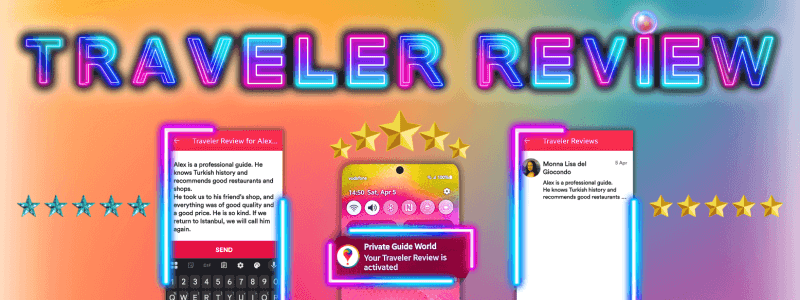
To leave a new review in the App, repeat the same steps as described for the computer, with one difference: to start writing a review, tap the ⊕ (plus symbol) in the bottom-right corner of the screen. Press the red SEND button at the bottom of the screen to publish your review (after moderation on our end).
On the PRIVATE GUIDE WORLD platform, you can read a detailed article with pictures on How to Create a Traveler Review on the Private Guide World platform. Click the image below to read the article with many examples and useful templates:
We thank you for sharing your opinion about local tour guides! This will help other tourists make the right choice!